
On this page
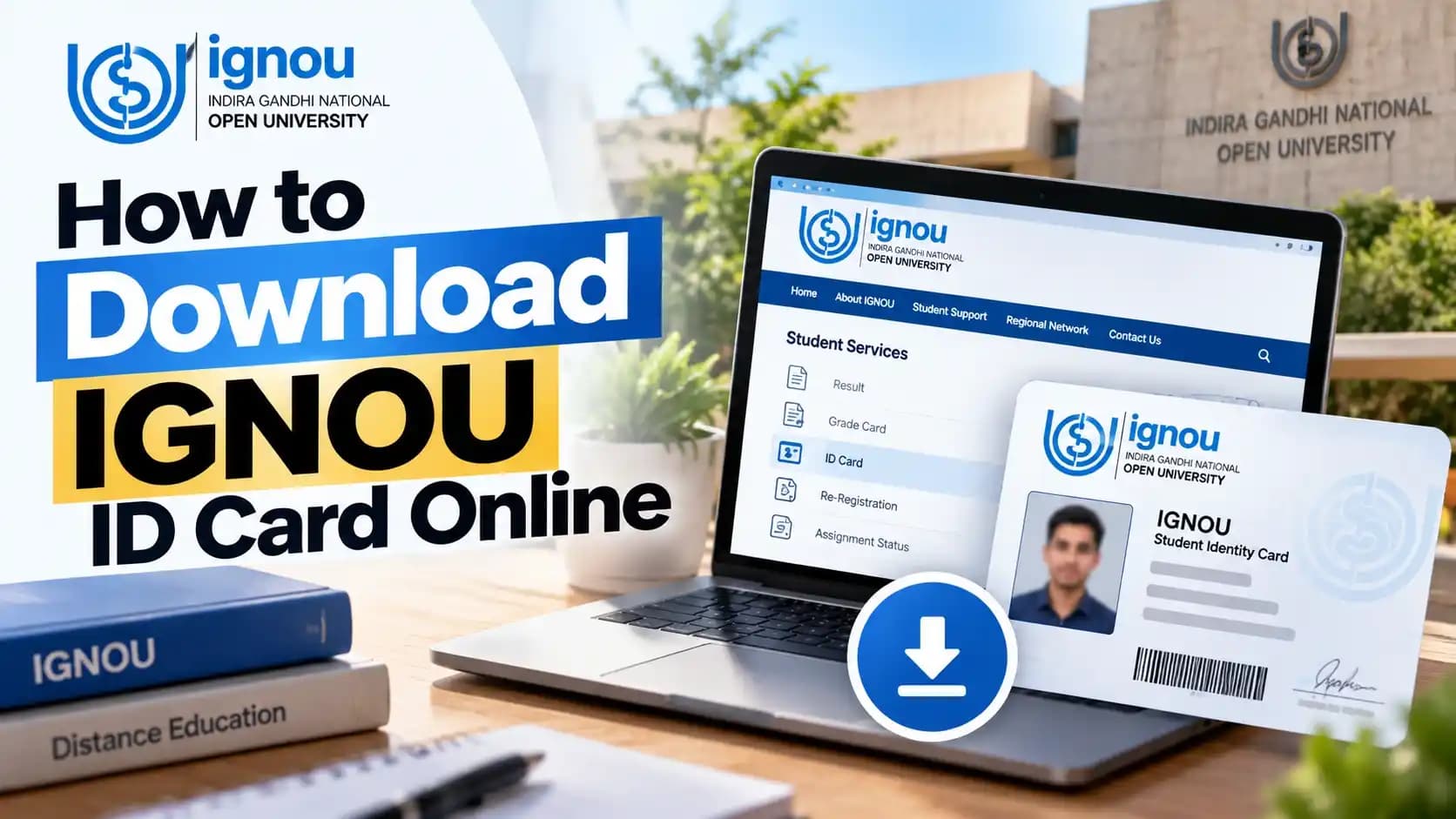
You can find the online process to download your identity card after successful admission at IGNOU student portal. The identity card has the details like student’s name, enrolment number, program, program code, photograph, study center and regional center. Students can keep the digital card for study center visits, academic verification and other IGNOU related work. The 2026 Common Prospectus of IGNOU specially instructs the students to visit Samarth student portal to download Student I-Card.
IGNOU Identity Card Download – Quick Overview
The ignou identity card download is completed online through the student account rather than through a separate physical application in the normal process.
| Particular | Details |
|---|---|
| Document | IGNOU Student ID Card |
| Download Mode | Online |
| Required Details | Enrollment Number / Login Credentials |
| Format | PDF / Digital ID Card |
| Official Portal | IGNOU Student Portal |
| Purpose | Student identification and academic services |
How to Download IGNOU ID Card Online?
Downloading an IGNOU identity card typically requires accessing the Student Portal, signing into your student account, finding the ID‑card area, downloading the card, and storing a digital version.
Step 1 – Visit the IGNOU Student Portal
Open the official IGNOU Student Portal at ignou.samarth.edu.in, which is the portal identified by IGNOU for Student I-card downloads.
Step 2 – Log in to Your IGNOU Account
Enter your login to access your student account. The ID card service and student service portals are also part of your ignou login ID.
Step 3 – Find the Student ID Card Option
After login, locate the IGNOU student ID card or Student I-card option available within the student services section.
Step 4 – Download the IGNOU Identity Card
Choose the presented download option and store the IGNOU identity card on your device in the supplied digital format.
Step 5 – Print or Save the ID Card
Save the IGNOU ID card file to your phone or computer, then print it out whenever you require a hard copy.
IGNOU Identity Card Download Link
IGNOU has posted a URL on its Samarth Student Portal where students can download their I‑cards. Students need to use the official IGNOU website, rather than other unknown third party websites to complete the Id card download Ignou process.
IGNOU Student Portal for ID Card Download
IGNOU ID Card Download with Enrollment Number
If you searched for “ignou id card download with enrollment no”, keep your enrollment details ready, but use the Student Portal login process rather than expecting the number alone to unlock your card.
This tutorial explains how to obtain an ID card from Indira Gandhi National Open University (IGNOU) by using your registration number.The basic and the most common way of retrieving an IGNOU ID card is opening the student account by using the registration number or any other user ID & Password. However, the right way to download an ID card is to open Student Portal, not a general download page.
Details Required for IGNOU ID Card Download
To obtain your ID card, your enrollment number, program details if any, your username/login id and password or other authentication details may be required.
Can I Download IGNOU ID Card Using Only Enrollment Number?
A student's account login ID cannot be equated to an enrollment number. IGNOU makes it a point to ask students to access the Student Portal for Student I-card services.
IGNOU Student ID Card – What Does It Contain?
The details incorporated on a student ID issued by IGNOU are used to identify the student and collate the card with details of the programmes and study centres records.
| Information | Purpose |
|---|---|
| Student Name | Identifies the learner |
| Enrollment Number | Unique student identification |
| Programme | Shows enrolled course |
| Programme Code | Identifies the programme |
| Photograph | Student verification |
| Study Centre | Centre information |
| Regional Centre | Regional information |
| Session/Admission Details | Academic identification |
How to Get IGNOU ID Card After Admission?
According to IGNOU’s program guidelines, you can set up a Student Portal account after your admission is confirmed, and then download your Student ID card through that portal.
When Is the IGNOU ID Card Available?
By signing in with your student credentials, you can access the student portal where the necessary admission details are handled and your IGNOU ID card is provided.
Where Can New Students Find Their ID Card?
After creating their Student Account, students should go to ignou.samarth.edu.in to find the Student I-card service.
What If the ID Card Is Not Showing After Admission?
Students must confirm their admission status, log in details and all the information pertaining to their student accounts, before reaching out to IGNOU's support or Regional Centre teams. We verify that the IGNOU student ID card remains unseen when it does not appear after the admission has been confirmed.
IGNOU ID Card Login – How to Access Your Card
Since the University offers the Student I-card as a service within student login, Ignou Id Card Login is linked to the Student Portal account.
Forgot IGNOU Login ID or Password?
Students creating a second account because they can't remember their ignou login id or password should use the account recovery option on the official portal rather than creating a new account.
IGNOU Login Not Working – What to Do?
Before anything else, cross-check whether the credentials that were entered are correct, the internet connection is in a good position, and the portal is up. Continue by reading the official retrieval or help guidelines if the IGNOU ID card page is not opening.
IGNOU Student ID Card Download for Existing Students
For an IGNOU download ID card request, existing students should sign in to their Student Portal account and check the Student I-card section.
Students are able to retrieve their Student ID cards repeatedly through the Student portal for as long as they remain enrolled. This facility is also available to students who are moving to a new year/semester and also to students who had lost the card earlier.
You can request a download of your IGNOU identification card, and you can also download the student identification card yourself, once you ascertain that your IGNOU identification card is available online.
What to Do If You Cannot Download IGNOU ID Card?
Searches such as “id card ignou” and “id card ignou download” refer to the student identity card service covered here. If you are wondering how to download ID card of IGNOU after an unsuccessful attempt, check the issues below before trying again through the official portal.
Issues downloading an IGNOU identity card could be due to incomplete admission updates, incorrect details, malfunctioning of portal, and absence of student details.
ID Card Download Option Is Not Visible
Make sure your admission is confirmed and that you're logged into the correct Student Portal account.
Enrollment Number Is Not Accepted
Check your enrollment number is entered exactly as issued. Enter the required programme and login details.
Login Credentials Are Incorrect
Use the official account recovery process if your username and/or password don't work.
PDF Is Not Downloading
Attempt the download again using a reliable internet connection or a different up-to-date browser or device.
ID Card Has Incorrect Details
Verify the incorrect field against official admission records and follow IGNOU's prescribed correction or support procedure.
Photograph or Details Are Missing
Students should inform the official student-support or regional-centre channel about any missing information or absence of photo on their IGNOU Student ID card.
IGNOU ID Card Download on Mobile
Mobile devices are capable of downloading student identification cards as long as the Student Portal and document download functions are work on your mobile device.
- Step 1: Open the IGNOU Student Portal.
- Step 2: Log in using the required credentials.
- Step 3: Open the ID-card section.
- Step 4: Select the download option.
- Step 5: Save the PDF or digital card on the phone.
- Step 6: Open or print it when required.
Is IGNOU ID Card Mandatory?
Students are also advised to keep their IGNOU student identification card safe as it is required for every other relevant activity like appearing for exams, study center visits, academic verification, project work and various other student support services provided by the University. At times, even latest IGNOU updates require that the ID card is produced, like in the case of some viva-voce tasks.
IGNOU ID Card vs IGNOU Enrollment Number
| IGNOU ID Card | Enrollment Number |
|---|---|
| Student identification document | Unique student number |
| Contains student details and photograph | Mainly identifies the student record |
| Can be downloaded or printed | Used for accessing various services |
| Useful for physical verification | Often required for login/application processes |
The IGNOU ID card and the enrollment number each have distinct functions, despite both being used to identify the student.
Common Problems During IGNOU ID Card Download
The few issues that users faced while trying to download his or her IGNOU ID card are- wrong login id and passwords, wrong passwords, unable to generate id card, outdated admission details, wrong details related to student, errors in the website or server, unable to download the PDF and the occurrence of an earlier issued ID card.
Tips to Keep Your IGNOU Student ID Card Safe
Once downloaded, store the image of the ignou id card file in your cloud storage, also keep a copy of it in your phone, and also keep a printed copy of it in a place where you require it. Never give away your Student Portal login information. Always check your name, enrollment number and programme information. Download a new ignou ID card when needed.
Conclusion
The steps to download an Indira Gandhi National Open University (IGNOU) Id card are made easier through the IGNOU Samarth Student Portal after entry. Students can use theIGNOU Id card login credentials on your account to download the ID card, keep a copy of the ID card on your device, and carry the printed copy. Online downloading may include an enrollment number in the student record, but the University suggests using a Student Portal account rather than downloading your account using an enrollment-number-based method.
Frequently Asked Questions
How can I download my IGNOU ID card?
How do I download my IGNOU ID card with enrollment number?
Where can I find the IGNOU identity card download link?
Can I download my IGNOU student ID card online?
What is required for IGNOU ID card download?
How can I download my IGNOU ID card if I forgot my login details?
Why is my IGNOU ID card not showing?
Can I download the IGNOU ID card on my mobile?
Is the IGNOU student ID card mandatory?
What should I do if there is an error on my IGNOU ID card?
Can I get my IGNOU ID card after losing the original?
How do I get an IGNOU ID card after admission?
Need help planning your next step?
Talk to our team about your course options and get free guidance for your education journey.